
- Home
- Make it SMART!
Make it SMART!
Connecting the Smart products
Need help setting up your Smart products? Our videos guide you step-by-step through linking your products via the Smart Life app and setting up programming for the Motion Sensor and Camera Smart. Please note that your Wi-Fi network must operate at 2.4 GHz to correctly pair the Smart products. Prefer to read a manual? Then scroll down for the Garden Lights SMART manual.
Don't have the Smart Life app yet? Scan the QR code or click the button to download the app directly.
You'll find everything you need in the SMART manual:
- Installing the Smart Life app: Step-by-step instructions for downloading and installing the app on your smartphone or tablet.
- Connecting Smart products: Clear instructions on how to pair your smart bulbs and accessories.
- Automatic timers: How to set timers based on an astronomical clock or a preset schedule.
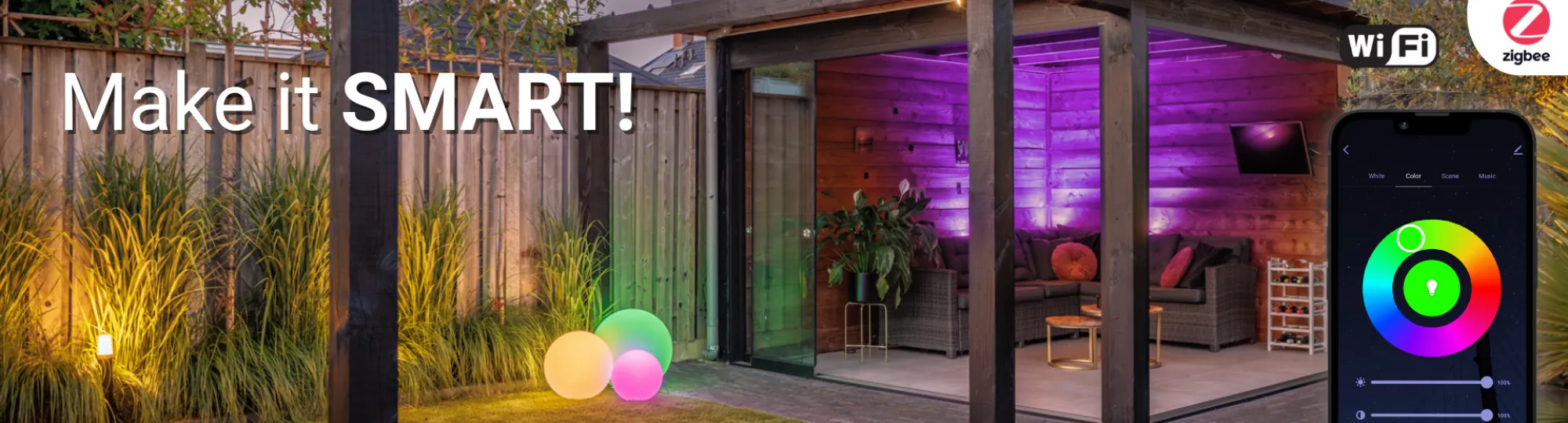
With our 12V SMART system, which works with Zigbee and Wi-Fi, you'll effortlessly transform your garden into a smart environment! Let your lights dim, glow brightly, change colour, or even respond to music, all via your screen or sound.
These videos provide instructions for the following:
- Connecting Smart Products: Step-by-step guidance in the Smart Life app to pair and connect your smart lights, sensors and other devices.
- Setting up programming: Learn how to easily set up schedules and automations so that your smart products automatically turn on or off at specific times or respond to motion.
What is Zigbee?
Zigbee is a communication protocol which, like Wi-Fi and Bluetooth, allows your smart devices to communicate with each other. Zigbee is a so-called ‘mesh’ network. In a mesh network, two or more devices are connected to each other, so each device is always connected to at least one other device. So they work together continuously.
What is Wi-Fi?
Wi-Fi is a technology that allows devices to connect to each other over a wireless network. Wi-Fi uses radio waves, instead of a cable, to provide wireless internet access at high speeds.
What is the difference between Wi-Fi and Zigbee?
A Wi-Fi network operates from one central point while in a Zigbee network the products are interconnected, so the range of a Zigbee network is ‘infinite’ (given enough devices). A Wi-Fi network is faster than Zigbee, allowing more effective processing of large data streams (such as from a camera). A Zigbee network is more energy-efficient, partly because of its lower speed, which in turn makes it more efficient with battery-powered products such as the motion sensor.
What are the benefits of Zigbee?
You can build a huge network with Zigbee because communication hops from product to product, so your range is endless. In addition, Zigbee is very energy-efficient.
What are the benefits of Wi-Fi?
2.4 GHz Wi-Fi has a strong signal that passes through walls, doors and ceilings. This gives your Wi-Fi network a long range of up to 40 meters. What’s more, Wi-Fi is a very affordable protocol.
What is 2.4 GHz Wi-Fi?
2.4 GHz is the wavelength (also called band or frequency) at which the Wi-Fi signal is transmitted. Wi-Fi over 2.4 GHz has many benefits, as it’s a strong signal that passes through walls, doors and ceilings. Your Wi-Fi network therefore has a long range. Our products only use 2.4 GHz and do not work on 5 GHz networks.
Can you connect on 4G as well?
While configuring a new device, 2.4 GHz Wi-Fi is required. Once the device is installed, you can also control it via 3, 4 or 5G.
Can you also connect via Bluetooth?
No, you need to be connected to a 2.4 GHz Wi-Fi network (in combination with a Gateway). Note that the switch will also operate on Bluetooth.
Does pairing also work on 5 GHz Wi-Fi?
No, you need 2.4 GHz Wi-Fi.
What does the 3.0 mean at Zigbee 3.0?
Zigbee 3.0 is the latest version, replacing older Zigbee versions.
What is the difference between 2.4 GHz and 5 GHz?
The 5 GHz band has a shorter range compared to the 2.4 GHz band because with bandwidth, the higher the frequency, the shorter the range. In other words, if you use a lower frequency such as the 2.4 GHz band, the distance it can cover will be greater than that of the 5 GHz band. Conversely, 5 GHz features higher speeds which is useful for streaming videos and the like. For Lightpro products, this has no added value.
How can you change your router’s Wi-Fi channel?
Press ‘Network Settings’ and then ‘Wireless’. Now you can enter a different Wi-Fi channel under ‘Band’. Now scroll all the way down and click ‘Apply’.
What is the distance in meters that the Gateway may be located from the router to add it to the app?
Make sure your Gateway is no further than 16 meters away from the router to add in the app.
How many meters does the range of Zigbee extend to?
The range of Zigbee is infinite, as communication hops from product to product. You can maintain a maximum distance of 20 meters between two different products.
How many meters does Wi-Fi reach?
Up to about 40 meters.
Met welk platform kan ik de producten koppelen?
Je kunt de producten onder andere koppelen met Philips Hue.
What is Voice Control?
Voice Control is a feature that lets you talk to devices. Thanks to voice recognition, those devices then know what you are saying. This is a very complex technology that is getting smarter thanks to Artificial Intelligence.
On which devices can I use the Lightpro app?
The Lightpro app works on almost all devices with iOS or Android as the platform.
Do you have to connect the Gateway first and then the light?
Yes, that’s correct, pair the Gateway first before linking the light to the app.
My product does not connect, so what now?
- Check that the device has reset and the indicator is blinking rapidly.
- Check whether it is 2.4 GHz Wi-Fi.
- Check that the Wi-Fi password is correct.
- Check that the distance does not exceed the specified distance (16 meters).
- Check that there are no obstructing objects between the router/Gateway (metal/glass objects). These can negatively affect the maximum distance.
- For Zigbee products, make sure the Gateway is connected and paired.
How do I reset my Gateway?
Hold down the reset button for 10 seconds, then wait about 30 seconds until the red light starts flashing rapidly.
How do I reset my smart light?
Turn the light on for 2 seconds and then off for 2 seconds, repeat 3 times. Note: do this by unplugging the connector, not by disconnecting and reconnecting the transformer.
How do I reset my motion sensor?
Hold down the reset button for 5 seconds.
How do I reset my switch?
Hold down the reset button for 5 seconds.
How do I reset my camera?
Press and hold the reset button (under the rubber flap) for 5 seconds.
Do you need a Gateway for the motion sensor?
Yes, the motion sensor works via Zigbee. First pair the Gateway via the Smart Life app before pairing the motion sensor.
Do you need a Gateway for the switch?
No, the switch works over Wi-Fi.
Do you also need a Gateway for the camera?
No, the camera works over Wi-Fi.
How many products can you add to a single Gateway?
You can connect an average garden to one Gateway, but owing to range limitations we recommend connecting a separate Gateway for both the front and back gardens.
My motion sensor doesn’t work. What now?
The motion sensor contains a twilight sensor, so it does not detect motion during the day.
Does the light source remember its status if the voltage drops?
The light source remembers the status the moment the power is lost; as soon as the power is back, it assumes the old status again.
Does the switch remember its status if the power is lost?
The switch remembers its status if the power is lost. However, this is a setting in the switch page of the app. You have three options:
- Off: always off after voltage returns;
- On: always on after power returns;
- Remember: go back to the status before the voltage dropped.
How does the Smart Life app work?
Need help setting up SMART? Click here.